
How it works
How Calma works: moments, not lockouts.
Pick the parts of your day you want back, choose the apps that pull you away, and Calma rests them on time. Apple's Screen Time does the blocking, so it keeps working when Calma is closed.
- Free trial
- Data stays on your iPhone
- No ads
The steps
Three steps through your day
Three steps through your day. Calma is built on Apple's Screen Time, so iOS itself does the blocking.
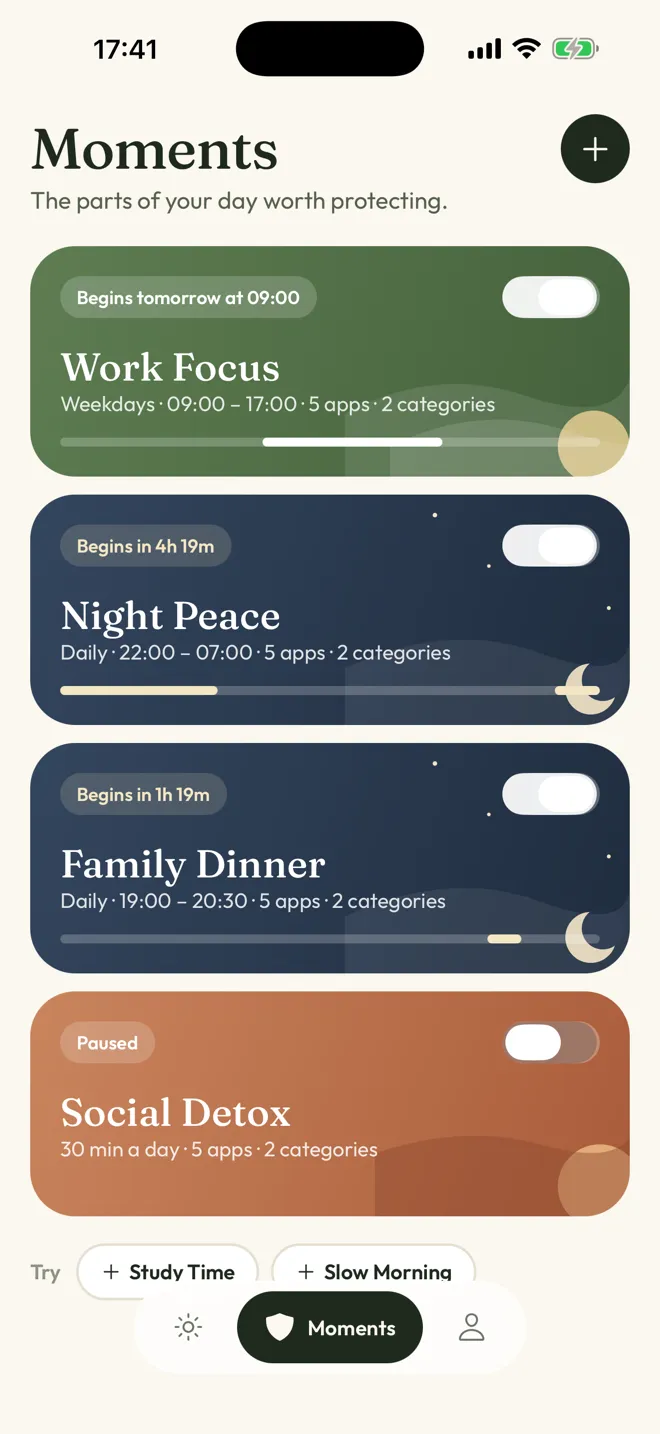
Choose your moments
The parts of your day worth protecting.
Start with Work Focus or Night Peace, or make your own for dinner, study or a slow morning.
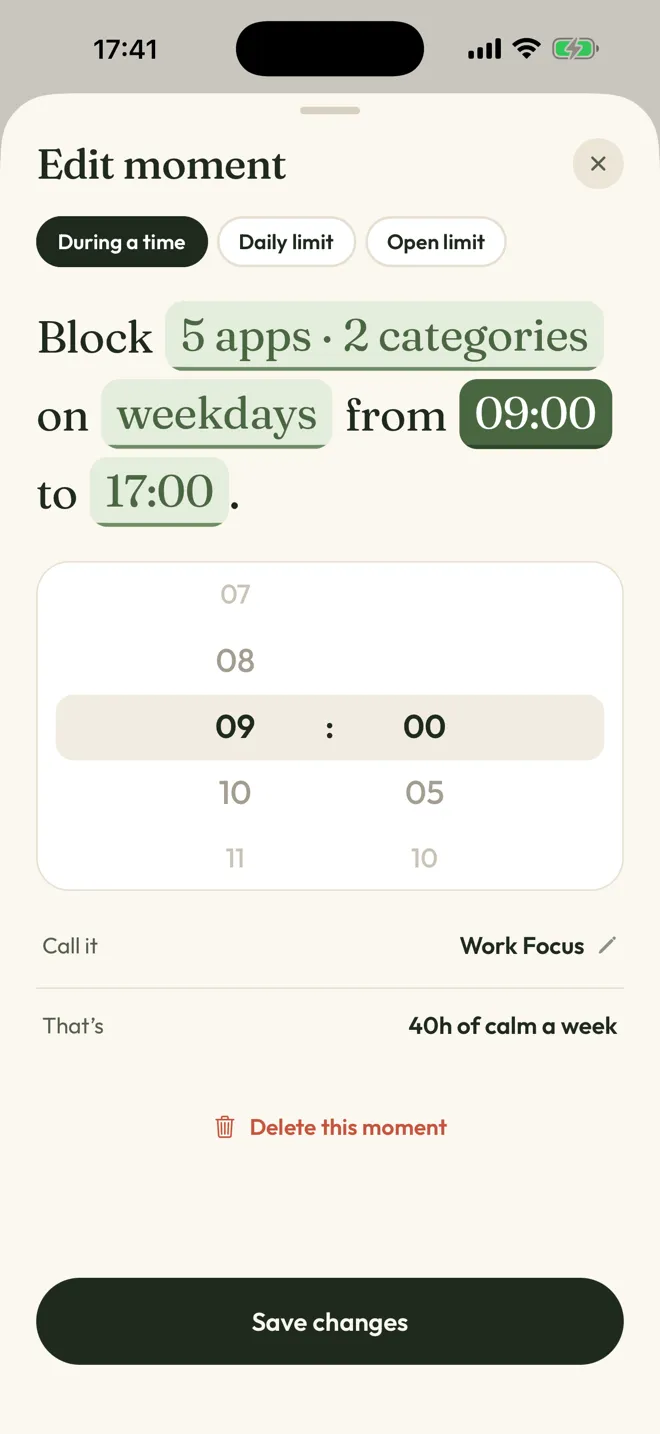
Say it as a sentence
Block 5 apps on weekdays from 09:00 to 17:00.
Tap any word to change it. No settings maze.
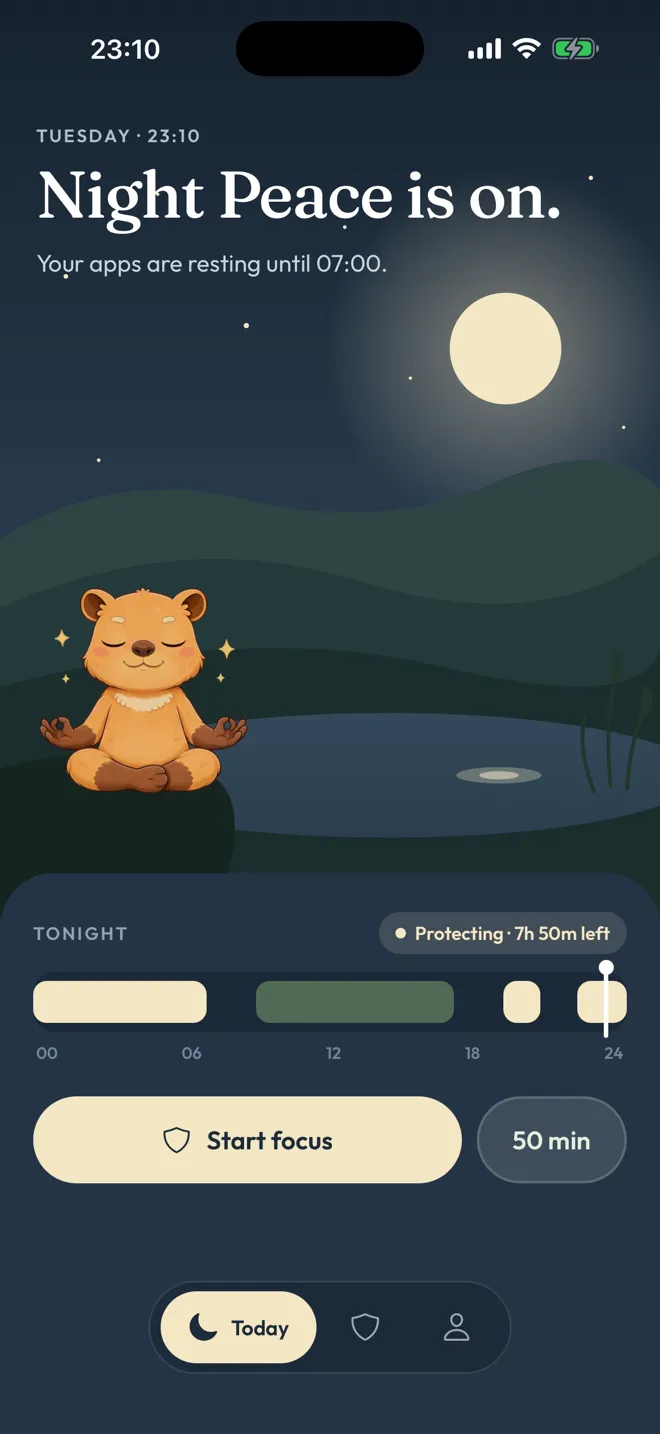
Live your day
Calma rests those apps on time.
Today shows what is protected and until when. At night, it goes quiet too.

Drag the dial, pick your apps, begin a focus session. It ends on its own.
See the pause
What happens when you open a resting app?
Instead of a wall, a quiet screen that names the moment you chose to protect. The biggest button takes you back to calm.
- It tells you why.
Work Focus protects this moment until 17:00.
The fact is always there, never a guess. - Calm comes first.
One button:
Back to calm
. No lecture, no countdown, no guilt. - You stay in charge.
Ending a focus session early takes a calm 3-second hold. Any Moment can be switched off in the app. Friction, never a trap.

Getting past a block
Can you get past a block when you need to?
Sometimes, on purpose. Each kind of block has its own way out, and none of them is a single careless tap.
Scheduled Moments
Work Focus, Night Peace or your own. The block screen shows the rule and when it ends, with one button: Back to calm.
To step past it, switch the Moment off in Calma.
Minutes per day
When today's time is used, the app rests until midnight. The block screen offers Back to calm.
To step past it, switch the rule off in Calma.
Opens per day
You choose how many times an app can open. The block screen shows the opens left and asks if this is where you want to be.
Tap Open app to use one of today's opens.
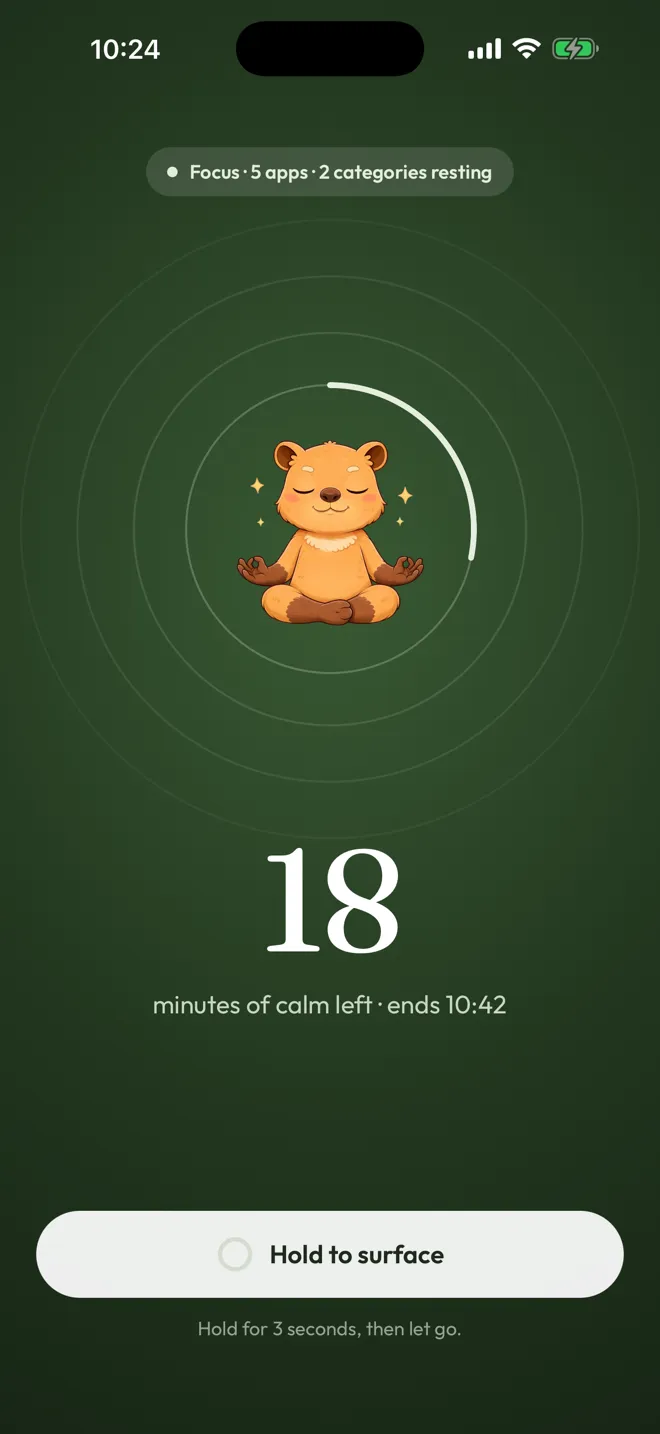
One task, right now
Drag the dial, pick your apps, begin. The session ends on its own when the time is up.
To end it early, hold for 3 seconds.
FAQ
Questions, answered.

Something else on your mind? Write to support@trycalma.app. A real person answers.
Is Calma free?
Calma is free to download, and blocking needs Calma Pro. New subscribers can try it free for 3 days. After the trial, Calma Pro renews weekly or yearly. The App Store shows the exact price in your currency before you confirm, and you can cancel anytime in Settings.
What does Calma Pro include?
Everything that makes Calma work: scheduled Moments, daily limits, open limits, focus sessions and the home screen widget. Without Calma Pro or an active trial, Calma does not block apps. There are no ads in Calma.
Why does Calma need Screen Time access?
iOS only lets apps pause other apps through Screen Time. You grant access once, through Apple's own prompt, and you can turn it off anytime in Settings.
What data does Calma see?
Calma uses Apple's Screen Time. Your app activity stays on your iPhone, and Calma never sees what you do inside your apps. There are no ads, and we don't sell your data. Anonymous usage analytics help us improve the app. The privacy policy has the details.
Does Calma block websites?
No. Calma blocks apps. To limit websites in Safari, use Screen Time's own Content & Privacy Restrictions in Settings.
Tonight
Start with one moment. See how it feels.
Night Peace is ready-made: apps rest from 22:00 to 07:00. Change any word to make it yours.

- Free trial
- Data stays on your iPhone
- No ads